
I’ve been working as a solutions architect for a while now, which means my days are mostly alignments, documents, and meetings about systems rather than the systems themselves. And here’s the thing: I still enjoy writing code. Not “keeping my skills sharp” in the LinkedIn sense — I actually enjoy it. Sitting down in the evening, building something, seeing it work.
PolyTools is where that goes. It’s a suite of developer utilities that runs entirely in the browser, and it exists for two reasons: I use these tools daily, and I wanted an excuse to keep building.
Scratching my own itch
Like most developers, I have a bookmark folder full of single-purpose tools — one site to format JSON, another to diff files, another to decode a JWT. They all work. But there’s always something off. A layout that wastes half the screen. An extra click that shouldn’t be there. An upload step for data that never needed to leave my machine.
So I started building my own versions, the way I prefer them. The nice side effect: when something in the UX annoys me now, there’s exactly one person to blame 😛
Three things were non-negotiable from the start:
- Performance: These are utilities. They should open instantly and never feel heavy.
- Privacy: There’s no backend. No account, no upload, no server touching your data. The JSON you inspect and the tokens you decode stay in your browser — persistence is local (IndexedDB), so your data survives a refresh but never leaves your device
- UX that works the way I want it. Every small annoyance I’ve hit in other tools is something I get to fix here.
What’s in the box
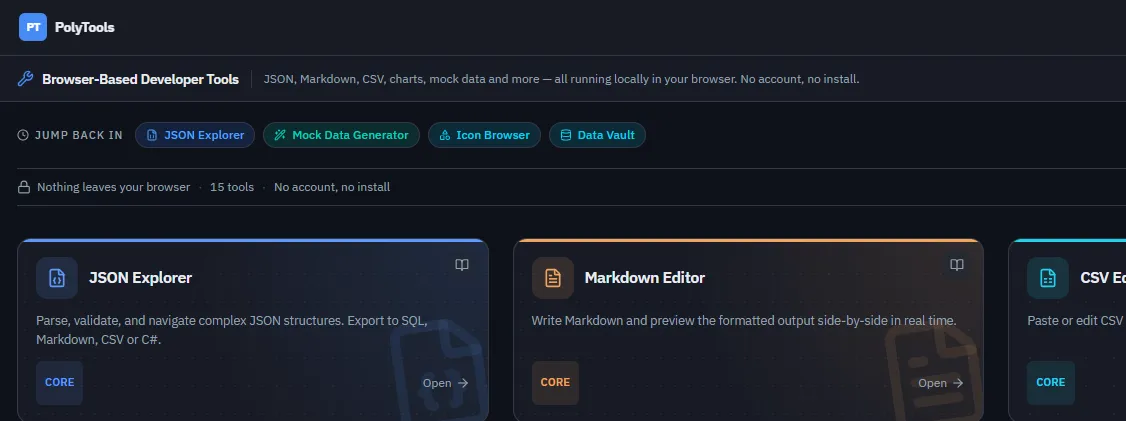
Today PolyTools includes around a dozen tools: JSON Explorer and JSON Diff, a CSV Editor, a JWT Inspector, a Mock Data Generator, a Chart Generator, a Markdown Editor, a Token Counter, an Icon Browser, and a few more.
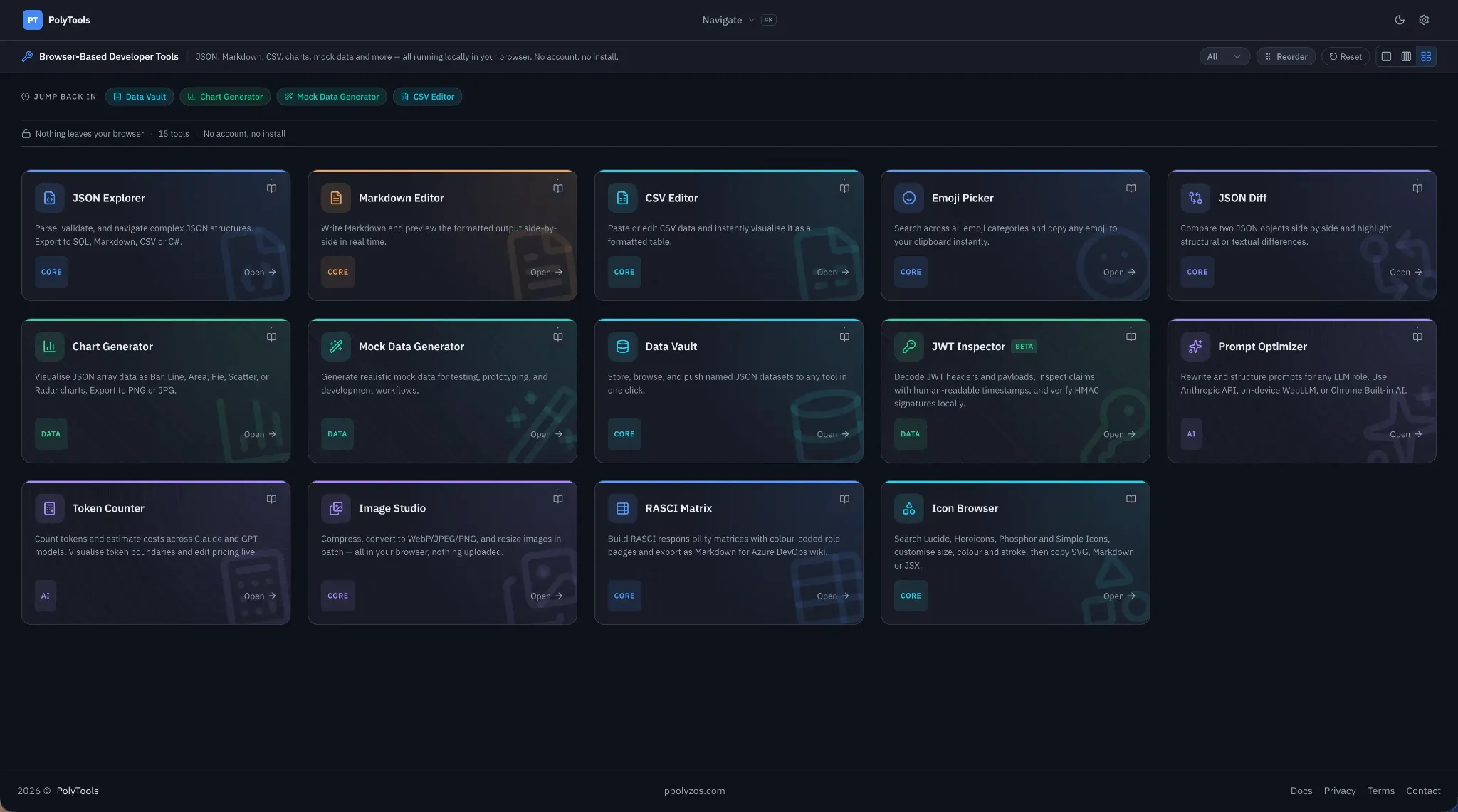
Individually, none of these is novel — you can find an online version of each within one search. I’m not trying to win on any single tool. The part I find interesting is what happens between them through pipelines as shown in the screenshot below:
Tools that talk to each other
Every tool can send its output to another tool as input. In practice:
- Generate a dataset in the Mock Data Generator — say, 100 rows of user records.
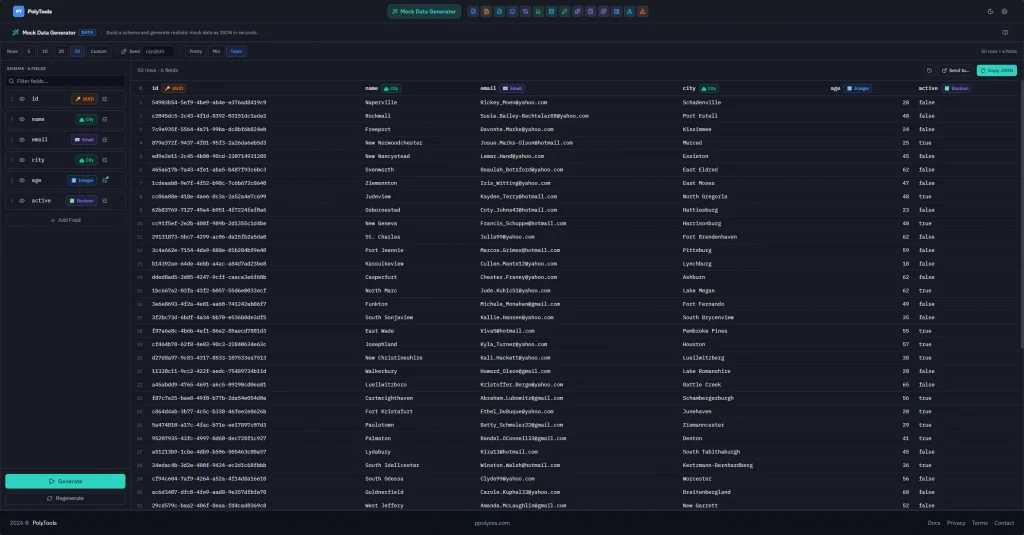
- Send it to the CSV Editor. Drop a column, fix a value.
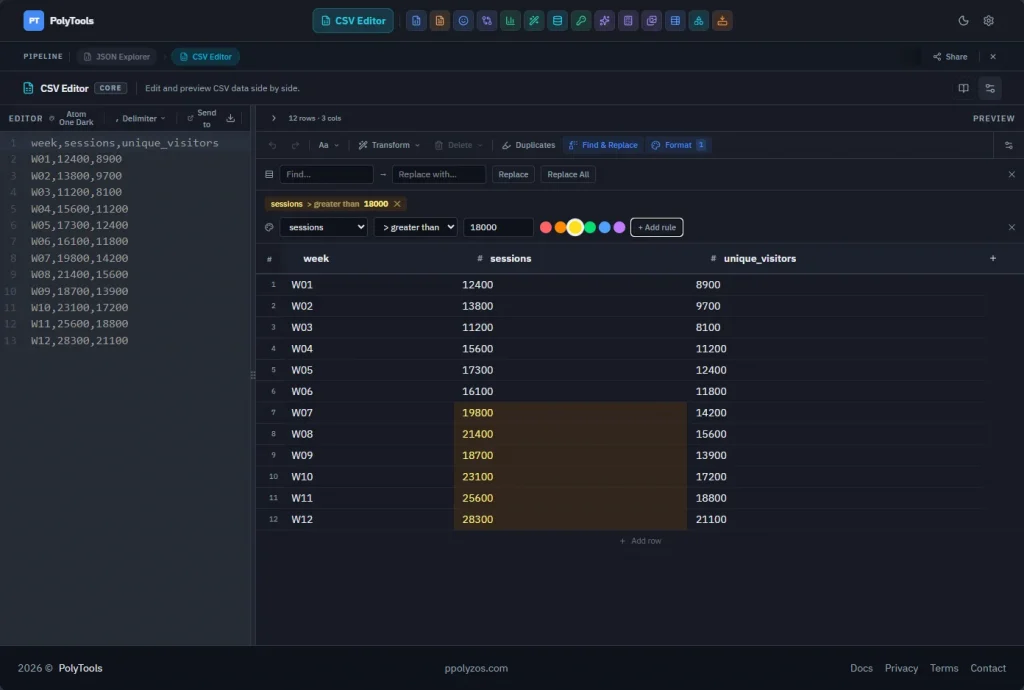
- Send the result to the Chart Generator and visualize it.
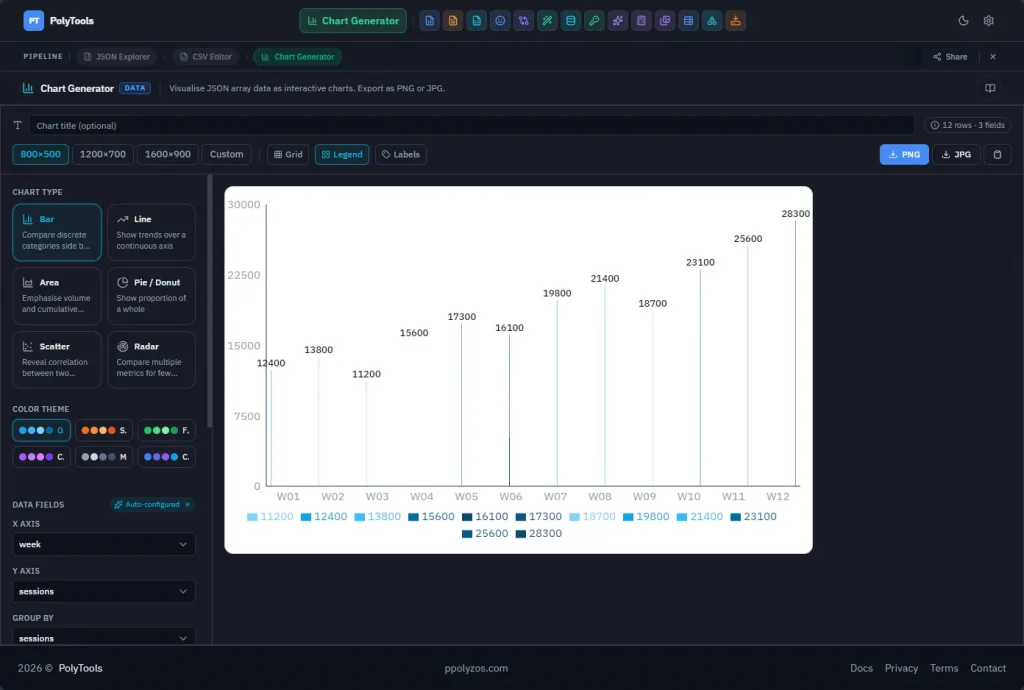
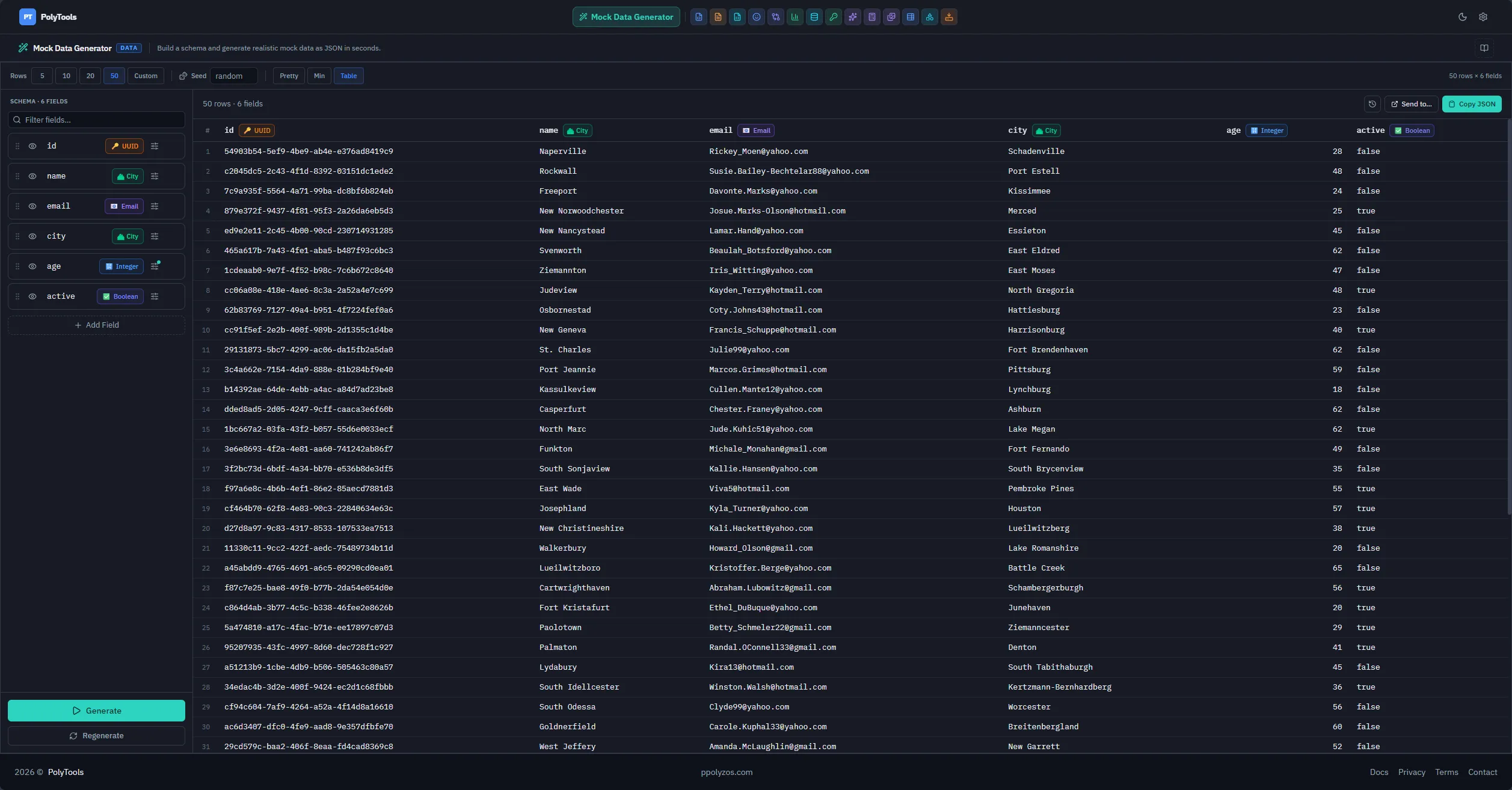
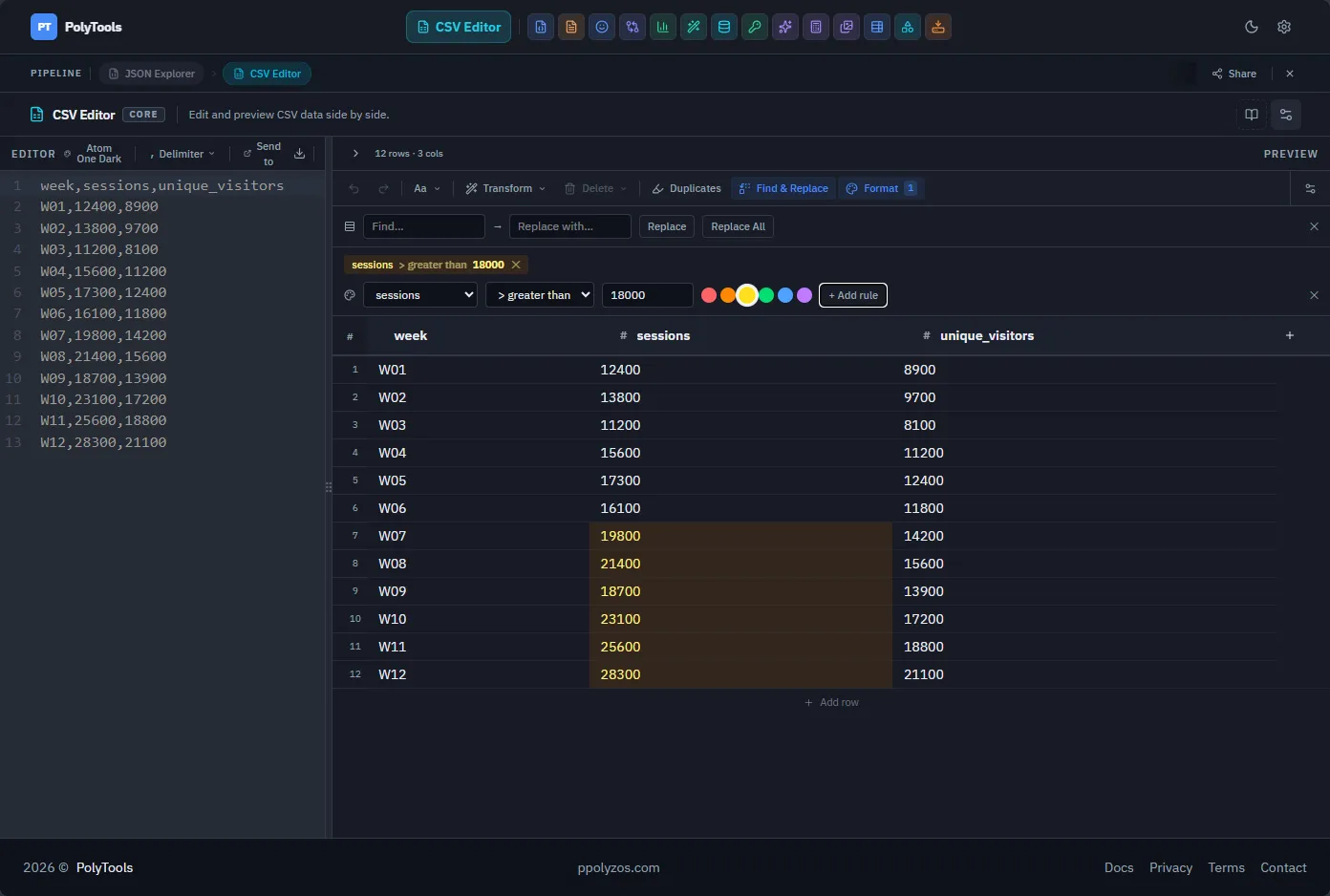
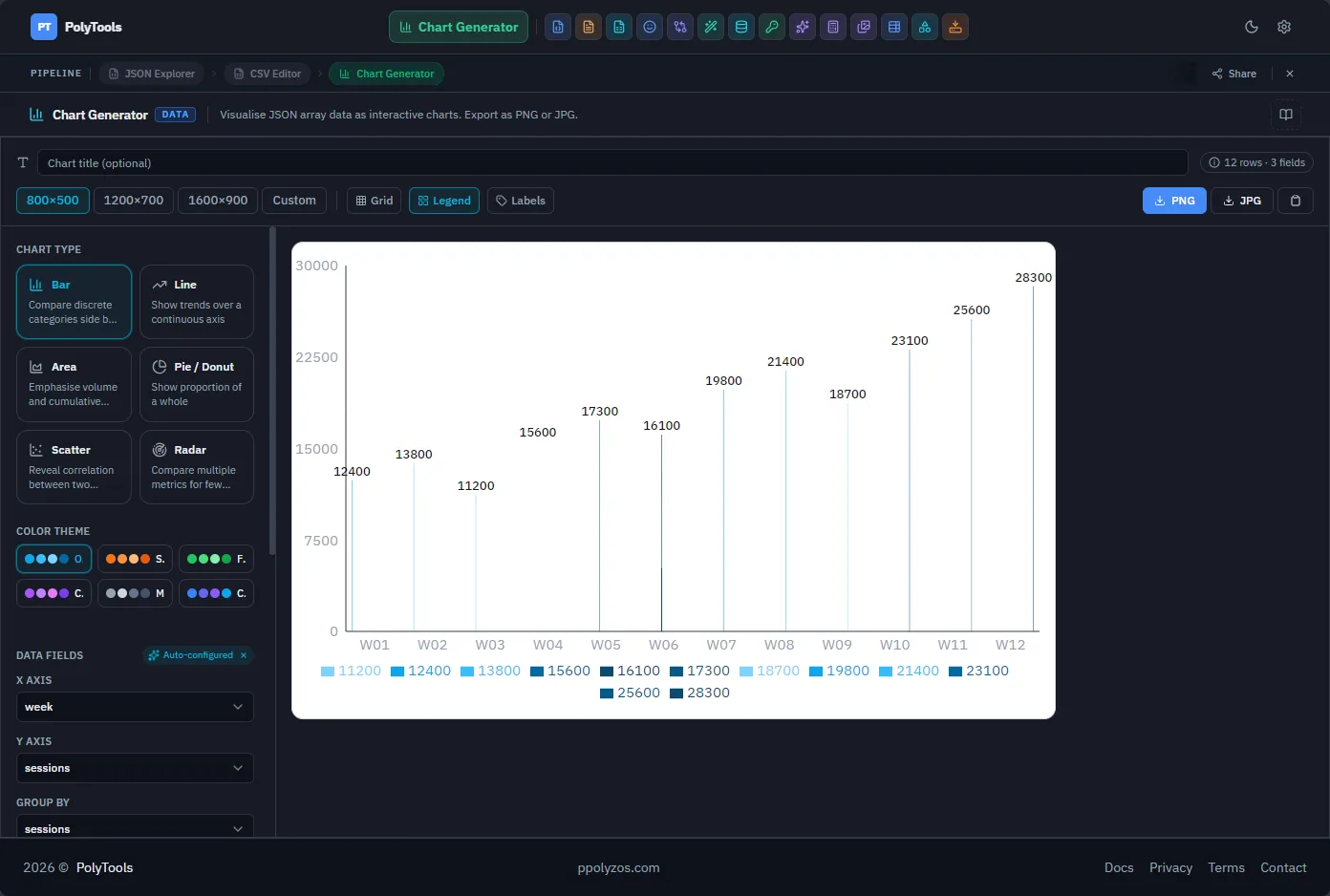
Three tools, one flow, zero copy-paste. There’s also a shared Data Vault — a browser-local store any tool can read from and write to — so data loaded once is available wherever it’s needed next.
This turned into the design principle for the whole project: a set of decent tools that work together beats a set of excellent tools that don’t. So I’ve stopped chasing tool count. When I consider adding something, the question isn’t “would this be useful on its own?” but “does it make the existing tools more useful together?”
The AI-assisted part, honestly
I wouldn’t have gotten this far without AI coding assistants, and I don’t see a reason to pretend otherwise.
The difference isn’t that AI writes the code for me — it’s what it does to the economics of a side project. My free time is limited and unpredictable. Before, choosing an approach meant committing to it, because a rewrite would eat weeks of evenings I didn’t have. Now, if I realize halfway through that a different direction is better, changing course is cheap enough that I actually do it instead of living with the compromise. That changes how it feels to build: less sunk-cost anxiety, more experimenting.
It’s also, frankly, made development fun in a way it hasn’t been in a while. I still make the decisions — architecture, trade-offs, what’s in and what’s out — but the distance between “I wonder if…” and “let’s see” has collapsed.
The stack, for the curious: React 19, Vite, Tailwind v4, TypeScript. Running a real project on versions this fresh has its own costs, which deserves its own post.
What’s next here
This is the first post in a series. Coming up: a tour of the tools organized by workflow, a look at how the codebase is structured, and deeper dives into the pipeline layer, the Data Vault, and the architectural decisions — including the things I decided not to build.
If any of this sounds useful, give PolyTools a try. It’s free, it runs in your browser, and your data stays with you. And if there’s a tool combination you’d want connected next, I’d like to hear it.